



Today’s article is a collaboration between Jean-Paul Paoli and Andrea Chiarelli. Jean-Paul writes about AI strategy for business leaders, shaped by years in AI transformation in large organisations, not from the analyst’s chair. Andrea is a Management Consultant and Board Member who translates complex concepts into frameworks professionals can use immediately. Both had grown tired of the “more tools, more output” narrative. The rest followed naturally.
Jane is a market researcher. It’s Wednesday afternoon, and she’s forty minutes into setting up a new Claude project for a competitive analysis her team needs by Friday.
She’s built a context file with her company’s positioning, written custom instructions that tell the model how to structure its comparisons and spent ten minutes deciding whether to include last quarter’s pricing data as a separate document or paste it inline.
She’s now adjusting the system prompt for the third time because the first output felt too generic and the second leaned too heavily on one competitor.
Each revision feels like moving towards a more focused tool. She hasn’t noticed that the analysis itself, the thing her manager actually asked for, is still an empty document in the next tab.
If you asked Jane what she’d been doing, she’d say working. And she wouldn’t be wrong exactly: every decision she made was reasonable on its own. The context file will be useful. The custom instructions will save time on future projects. The system prompt is, genuinely, better than it was thirty minutes ago.
The problem is that none of this is the competitive analysis that she’s meant to be delivering. It’s the architecture around the competitive analysis.
And the gap between those two things is where the dream of AI productivity goes up in smoke.
A tale of three layers
A new AI tool launches. You spend hours configuring it, comparing it to the last one, and for a moment it feels like progress. ChatGPT to NotebookLM to Claude Code to Cowork to Codex. It’s easy to get lost in the flurry of permanent launches. And you go there not because your current stack is broken, but because the new one has a feature that looks interesting. Three weeks later, another tool launches. You reset, and your system never stabilises. Your outputs never really move.
In reality, AI practice has three nested layers:
⚒️ The outermost is Tools, the platform itself.
🎛️ Inside that is your System, the architecture you build around the tool.
📑 At the centre is Output, the actual work.
Most people work from the outside in. But if you want to be productive and truly benefit from AI tools, the right move is to work from the inside out.
Getting this allocation right may be the most underrated AI skill there is.
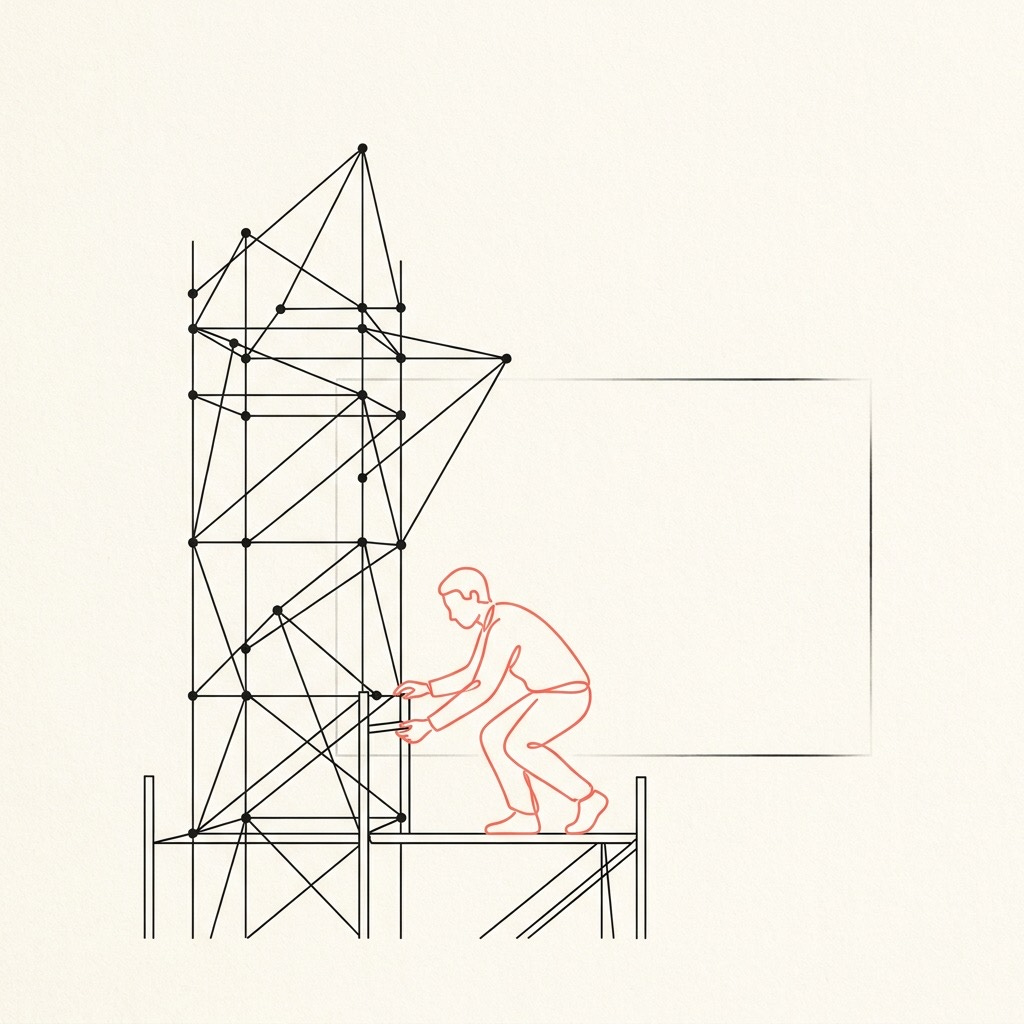
📑 Most of your AI time should be spent on the actual work
Sounds obvious, right? But output is the actual work: things like the client brief, the strategy deck, the competitive analysis, the code that you ship. Aim for 70% of your AI time here. Most people interested in AI are nowhere near it.
How far off are they? A METR study of experienced developers offers a sobering answer. The researchers gave developers real tasks and allowed them to use AI tools to solve them. The developers expected AI to speed them up significantly, but the reality was that they were actually 19% slower. The missing time had been absorbed by refining AI outputs, debugging generated code, and managing context switches they didn’t notice happening. That study is based on early 2025 data, and coding agents have improved since, but it shows how easily perception drifts from reality when we talk about AI productivity.
You know the pattern. You open your chosen tool intending to draft a piece of research. You try three different framings of the same question. You compare outputs, tweak parameters, start a new thread. Maybe switch tools because the first results weren’t quite what you hoped for. An hour later you have a well-configured workspace and half a paragraph of actual text.
It’s helpful to see AI as an engine for iterative thought: prompting, revising, checking and re-checking until the idea gets sharper. The depth comes from sustained contact with the work itself, not from the setup around it.
🎛️ System design feels like craftsmanship, and that’s what makes it dangerous
System is the architecture around your tool: prompts, context files, custom instructions, agent workflows. It deserves serious investment, but just once. Then, all you do is periodic maintenance. This should be about 25% of your AI time, weighted heavily toward the start.
The trap is that system optimisation feels like real work. Pawel Jozefiak cut his AI instruction file from 471 lines to 61 and got better results. It took four rewrites over a thousand sessions to learn the lesson: the system became more predictable precisely because it became less elaborate. Most of us don’t need four rewrites to arrive at that conclusion. We need one honest look at whether the fifth revision of our custom instructions has actually changed anything we’ve produced.
There is, however, a genuine reason to go back to the system layer: a measurable output failure that traces back to architecture. Avi Hacker learned this through a $125,000 mistake. His AI system ran without errors. It looked like it was working. But it was silently costing him deals. The fix was architectural: same tool, different system, different result. The signal was that the revenue figures were off, not that the prompts ‘felt inelegant’.
These two examples draw the boundary. Jozefiak shows that more architecture doesn’t mean better output: less was more. Hacker shows that when the system genuinely is the problem, you’ll know from your results (what you should spend 70% of your time on), not from a vague sense that things could be tidier.
The fourth rewrite of your instruction file, undertaken because the third one didn’t feel quite right, is almost always avoidance.
Ship something, and let the output tell you what needs fixing.
⚒️ Switching tools costs more than you think
Tools are the platform: ChatGPT, Claude Code, Gemini, Perplexity, Codex.
Ethan Mollick draws a distinction worth noting: tools aren’t neutral containers. Each is a harness: a specific environment with its own memory, context window, capabilities, and quirks. Your system lives inside your harness. Switch harnesses, and you abandon the system you built (even if you use one of the shiny new migration tools). Not everything transfers cleanly, and in some respects you will be starting over.
A BCG study of 1,488 U.S. workers found that productivity gains evaporated when workers used four or more AI tools, showing that the tool layer can actively degrade the other two layers: cognitive load that was supposed to go toward the competitive analysis or the strategy deck goes instead into navigating between platforms.
For most business tasks, frontier models are more alike than different. Capability rarely drives the switch. This is why you shouldn’t spend over 5% of your time on it.
The one exception worth considering is when there is a genuine capability gap. When a tool can do something your current one categorically cannot, and that capability directly impacts your output, the switching cost may be justified. But that calculation has to include the system rebuild, which means typically at least a couple of weeks of inefficient use while you reconstruct what you had. Most switches fail that test.
The temptation is sharpest when a new launch triggers fear of missing out: peers are raving about a new tool, and your current setup feels stale by comparison. When you have committed to a tool, you’ll understand its real limitations: this is how you will be able to distinguish a genuine capability gap from new features that sound cool but you don’t really need.
Where Are You Right Now?
Next time you sit down with an AI tool, notice which layer you’re working in. Are you producing something - a brief, an analysis, a piece of code? Are you adjusting the architecture around the tool? Or are you comparing your tools to something new and shiny?
Most people find, once they start paying attention, that their time drifts outward. The work gives way to the setup, and the setup gives way to the next hyped platform. The drift is gentle enough that it feels like progress the whole way through.
The framework is simple enough to carry in your head: 70% output, 25% system, 5% tools.
You don’t need a spreadsheet. You just need to ask yourself, honestly, which layer got most of your afternoon.
If this resonated, read more from Jean-Paul Paoli or Andrea Chiarelli.
Interesting piece. I used to run into this with Excel. Sometimes it was faster to just do the math. Sometimes the cost of doing it repeatedly pushed me to build the formula right away. Over time you get a feel for that line. Feels like that decision sits underneath this. I think people with AI are acting more like explorers than operators, as your Jane story points out about output.
Really interesting piece. How’d you land on the time allocations? I can imagine that depending on the intent of the role, they could be different for different role designs.